Drive Tourist Spots on Your Own Schedule in 2026
Drive Tourist Spots on Your Own Schedule in 2026
Self-drive travel is defined as a trip where you control every stop, every departure time, and every detour without relying on buses, tour groups, or fixed transit schedules. When you drive tourist spots on your own schedule, you trade rigid timetables for personal freedom. That freedom comes with real planning demands: parking constraints, daily driving limits, and crowd management all require deliberate preparation. Myvanrentals helps travelers across cities like Orlando, Miami, and Los Angeles turn that preparation into a practical, enjoyable experience.
What does it mean to drive tourist spots on your own schedule?
Self-drive planning enables stopping on the fly for scenic detours and meals while maintaining a flexible base plan for lodging and your vehicle. That flexibility is the core advantage over public transportation. A bus route cannot wait for you to linger at a viewpoint. A tour group cannot skip a crowded attraction and circle back later. Your own vehicle can do both.
The industry term for this approach is self-drive travel. It covers everything from weekend road trips to multi-week personalized travel routes across multiple states. The scheduling freedom is real, but it requires you to plan around three consistent challenges: daily driving fatigue, parking availability at popular sites, and weather variability. Address those three factors and your flexible travel schedule holds together.
What tools and technology help plan a flexible self-drive itinerary?
The right planning tool makes the difference between a rigid list of stops and a truly adaptable tourist attractions itinerary. Trip-planning apps with drag-and-drop stop reordering and unlimited extras help keep your route flexible and responsive to changing conditions. That means you can swap a crowded morning stop to the afternoon with two taps, without rebuilding your entire day.
Choosing the right type of itinerary tool
Three categories of tools serve different traveler needs:
| Tool type | Best for | Key feature |
|---|---|---|
| Basic route planners | Solo travelers with simple routes | Turn-by-turn navigation, offline maps |
| Advanced trip planners | Multi-stop, multi-day road trip destinations | Drag-and-drop reordering, time estimates per stop |
| Collaboration-friendly apps | Group travel | Shared itineraries, real-time syncing |
Google Maps handles basic navigation well, but it caps stops at ten per route. Advanced planners remove that cap and let you add notes, hours, and reservation links to each stop. For groups, collaboration features let everyone vote on stops before the trip starts, which reduces conflict on the road.
Key features to prioritize
When selecting a planning tool, look for these capabilities:
- Unlimited stops with reordering by drag-and-drop
- Offline access so you can navigate without cell service
- Sync with Google Maps or Apple Maps for turn-by-turn directions
- Shared access for group members to view and edit the route
- Time estimates per stop to build realistic daily blocks
Pro Tip: Export your itinerary as a PDF before leaving. Cell service disappears in national parks and rural stretches. A printed or downloaded backup keeps your day on track when apps fail.
How to schedule driving and visiting times for manageable daily travel
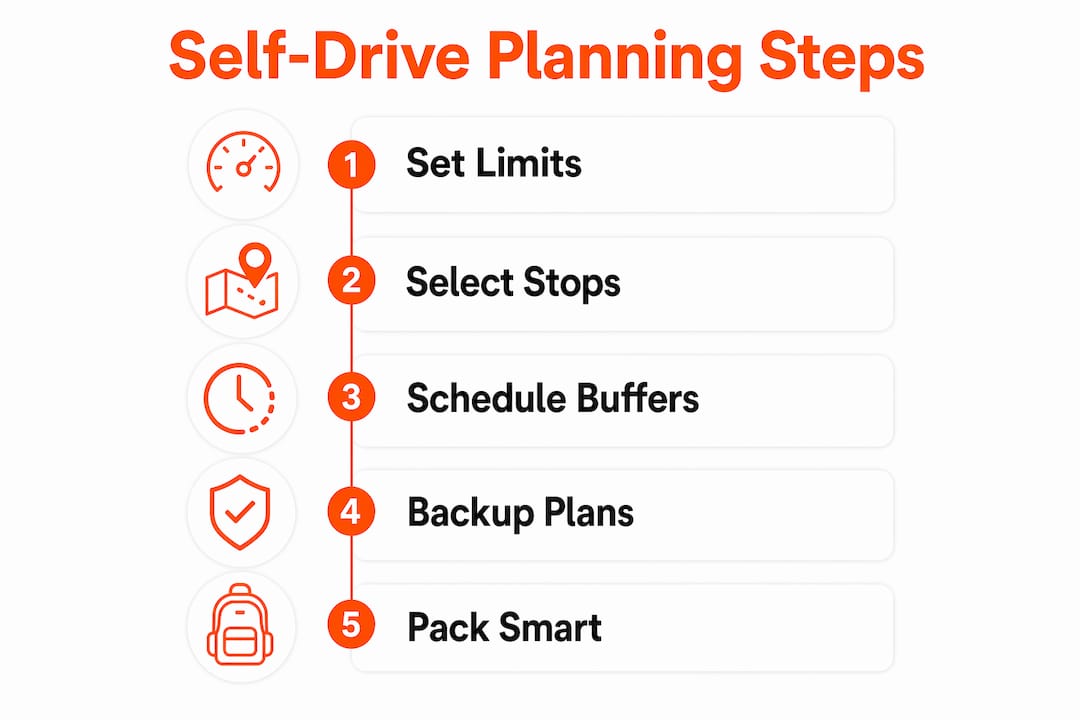
Daily driving limits are the foundation of any workable self-drive itinerary. Many trip schedulers recommend deciding how many hours you want to drive each day, considering personal limits and weather forecasts the night before, then scheduling around those. That nightly check-in habit is what separates travelers who stay on schedule from those who fall behind by day three.
Most experienced road travelers cap driving at four to six hours per day on multi-day trips. That ceiling leaves time for actual sightseeing, meals, and rest without arriving at each destination exhausted. Regular breaks every 2–3 hours help maintain driver alertness and safety during intensive multi-stop days. Skipping breaks to cover more ground is the fastest way to make poor decisions behind the wheel.
Step-by-step daily schedule planning
Follow this sequence each evening before a driving day:
- Check the weather forecast for every stop on tomorrow’s route. Adjust outdoor-heavy stops to days with better conditions.
- Set your target driving hours. Four hours is a practical ceiling for days with three or more sightseeing stops.
- Assign a rough arrival window to each stop, not a precise minute. A two-hour window absorbs traffic and parking delays.
- Identify your hardest stop first. Visit the most popular or time-sensitive attraction early in the day.
- Build a 30-minute buffer between every major stop. That buffer absorbs the unexpected without collapsing your afternoon.
- Confirm your lodging check-in window. Arriving after 9 p.m. at a remote property can create real problems.
Pro Tip: Plan your most physically demanding activity for the morning when energy is highest. Save driving-heavy segments for early afternoon when traffic is lighter on most US highways.
How to handle parking and crowd challenges at tourist sites
Parking is a hidden timeline factor that collapses more self-drive schedules than bad weather does. NPS advises early arrival for best parking chances and recommends visiting early morning or late evening to avoid crowding and wait times at entrances. At Zion National Park, the main visitor center lot fills before 8 a.m. on peak summer days. That is not an exaggeration.
“Avoid lingering for parking openings. Instead, proceed to alternate spots or come back later to avoid stalling your day.” — Zion National Park, National Park Service
That official guidance reflects a broader truth about popular road trip destinations: waiting for a parking spot is a losing strategy. Moving on and returning later keeps your day productive.
Parking strategy checklist
Apply these practices at every high-traffic stop:
- Arrive before 8 a.m. at national parks and major attractions on peak days
- Research shuttle systems in advance. Many parks, including Zion and Acadia, run free shuttles from outlying lots
- Identify two alternate parking areas for every major stop before you leave the hotel
- Use paid parking apps like SpotHero or ParkWhiz in urban areas to reserve spots ahead of time
- Plan a backup attraction nearby so a full lot does not waste your morning
A flexible itinerary is not just a nice feature. It is the practical tool that lets you absorb a parking failure and still have a full day. Travelers who build in backup stops report far less frustration at crowded sites.
How to design multi-day trips that maximize sightseeing
Selecting a limited number of bases and planning day excursions from each efficiently covers larger regions without constant hotel changes. That principle applies directly to US road trip destinations. Instead of moving lodging every night, anchor in one city for two or three nights and radiate outward each day.
Base location strategy
| Base city | Day trip range | Sample attractions |
|---|---|---|
| Orlando, FL | 60–90 miles | Kennedy Space Center, Canaveral National Seashore, Bok Tower Gardens |
| Los Angeles, CA | 50–80 miles | Joshua Tree, Santa Barbara, Channel Islands ferry point |
| Miami, FL | 40–70 miles | Everglades National Park, Key Largo, Fort Lauderdale |
Grouping nearby attractions into single travel days cuts total driving time significantly. A traveler based in Orlando can reach Kennedy Space Center and Canaveral National Seashore in one eastward loop, returning to the same hotel that night. That approach eliminates packing, checkout, and check-in friction on a day already full of activity.
Building buffer time into multi-day plans is not optional. Unexpected road construction, a longer-than-expected museum visit, or a spontaneous roadside stop all consume time. Travelers who schedule every hour tightly arrive at dinner frustrated. Travelers who leave 20% of each day unscheduled arrive curious about what tomorrow holds.
Common mistakes and how to troubleshoot unexpected itinerary changes
The most common self-drive problems are predictable: full parking lots, road closures, sudden weather shifts, and underestimated driving times. Each one has a practical fix if you plan for it before it happens.
Common problems and their solutions:
- Full parking lots: Move to your pre-identified backup lot. Never wait more than 10 minutes for a spot at a popular site.
- Road closures or construction delays: Use Google Maps or Waze in live traffic mode. Both reroute automatically and show delay estimates.
- Bad weather at an outdoor stop: Swap the outdoor attraction to a later day and fill the slot with an indoor alternative you identified in advance.
- Underestimated driving time: Cut the last stop of the day, not the first. Fatigue compounds in the afternoon and the last stop rarely gets full attention anyway.
- Overloaded days: Drop one stop entirely rather than rushing through all of them. One memorable experience beats three rushed ones.
Pro Tip: Keep a short list of three to five indoor backup attractions for every region you visit. Coffee shops, local museums, and covered markets are easy to find but hard to remember when you are standing in the rain trying to think.
The city exploration checklist from Myvanrentals covers transportation logistics and scheduling in detail, which is useful when building contingency plans for urban stops.
Key takeaways
Driving tourist spots on your own schedule works when you set firm daily driving limits, plan parking fallbacks in advance, and use flexible route tools that let you reorder stops without rebuilding your day.
| Point | Details |
|---|---|
| Set daily driving limits | Cap driving at four to six hours per day to leave time for sightseeing and rest. |
| Arrive early at popular sites | National Park lots fill before 8 a.m. on peak days; early arrival protects your schedule. |
| Use drag-and-drop route tools | Apps with reorderable stops let you adapt mid-trip without losing your overall plan. |
| Choose fewer base locations | Anchoring in one city for two to three nights cuts packing friction and total driving time. |
| Build in buffer time | Leave 20% of each day unscheduled to absorb delays without collapsing your afternoon. |
Why I think most self-drive travelers plan too tightly
Most travelers I talk to build their first self-drive itinerary the same way they plan a work calendar: every hour filled, every stop confirmed, no slack. That approach works in an office. On the road, it creates a day where missing one parking spot cascades into a late lunch, a rushed afternoon, and a frustrated group.
The travelers who enjoy self-drive trips most are the ones who treat the itinerary as a suggestion, not a contract. They know which three things they absolutely want to do each day and hold those loosely. Everything else is optional. That mindset is not laziness. It is the practical result of understanding that parking, weather, and traffic are variables you cannot control.
The emotional benefit of that flexibility is real. Stopping at an unmarked overlook because you have time. Staying an extra hour at a beach because no one is waiting for you. Those moments do not happen on a tour bus. They happen when you have a flexible van rental and a plan loose enough to accommodate them.
My honest advice: plan three anchor stops per day, identify two backups, and leave the rest open. You will cover more ground, feel less pressure, and remember the trip for the right reasons.
— Gabriel
Myvanrentals and your self-drive travel plans
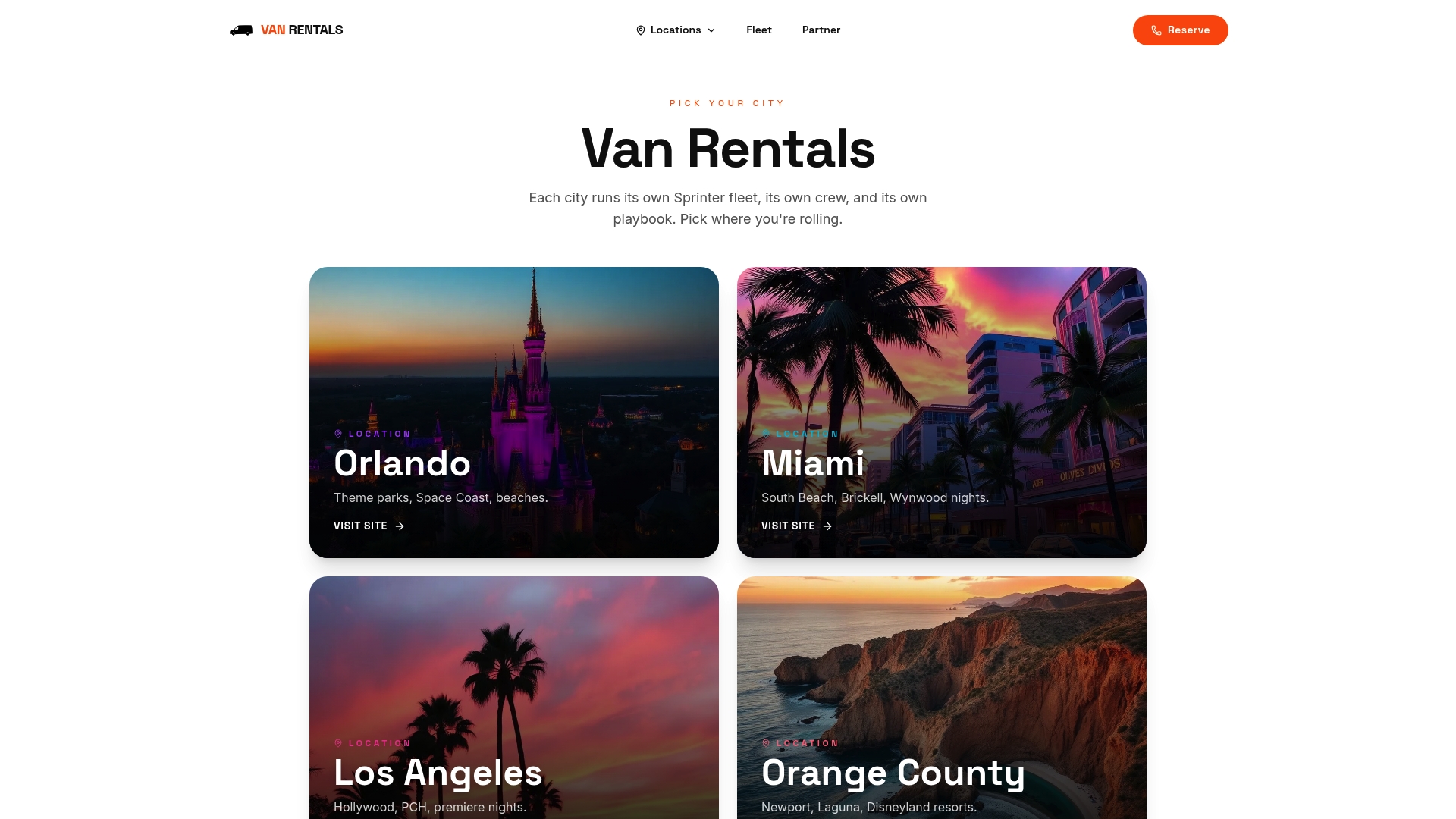
Renting the right vehicle is the first practical step toward a truly flexible road trip. Myvanrentals offers van rentals across major cities including Orlando, Miami, and Los Angeles, with city-specific teams who know local routes, parking options, and attraction timing.
A van gives groups the space to carry gear, share costs, and travel on one schedule instead of coordinating multiple cars. Myvanrentals handles the vehicle logistics so you can focus on the itinerary. You can book your van rental directly on the site, choose your city, and get local recommendations built into the process. For groups planning multi-day road trips, the group travel guide covers everything from packing to stop planning in one place.
FAQ
What is self-drive travel?
Self-drive travel is a trip format where you rent a vehicle and control your own route, timing, and stops without relying on public transportation or guided tours. It gives you full scheduling freedom at every destination.
How many hours should I drive per day on a road trip?
Four to six hours of driving per day is the practical limit for multi-day trips with multiple sightseeing stops. Exceeding that regularly leads to fatigue and poor decision-making.
What is the best time to arrive at national parks to find parking?
Arrive before 8 a.m. on peak days. The National Park Service advises early morning or late evening visits to avoid full lots and long entrance wait times.
What should I do if a parking lot is full at a tourist site?
Move on immediately. Official guidance from Zion National Park recommends proceeding to alternate parking areas rather than waiting, so your schedule stays intact.
What app is best for planning a flexible road trip itinerary?
Trip-planning apps with drag-and-drop stop reordering and unlimited stops work best for flexible self-drive itineraries. They let you adapt your route mid-trip without rebuilding the entire plan.